bgr.com
macOS Sequoia’s Spotlight search is broken, and Apple users are so mad
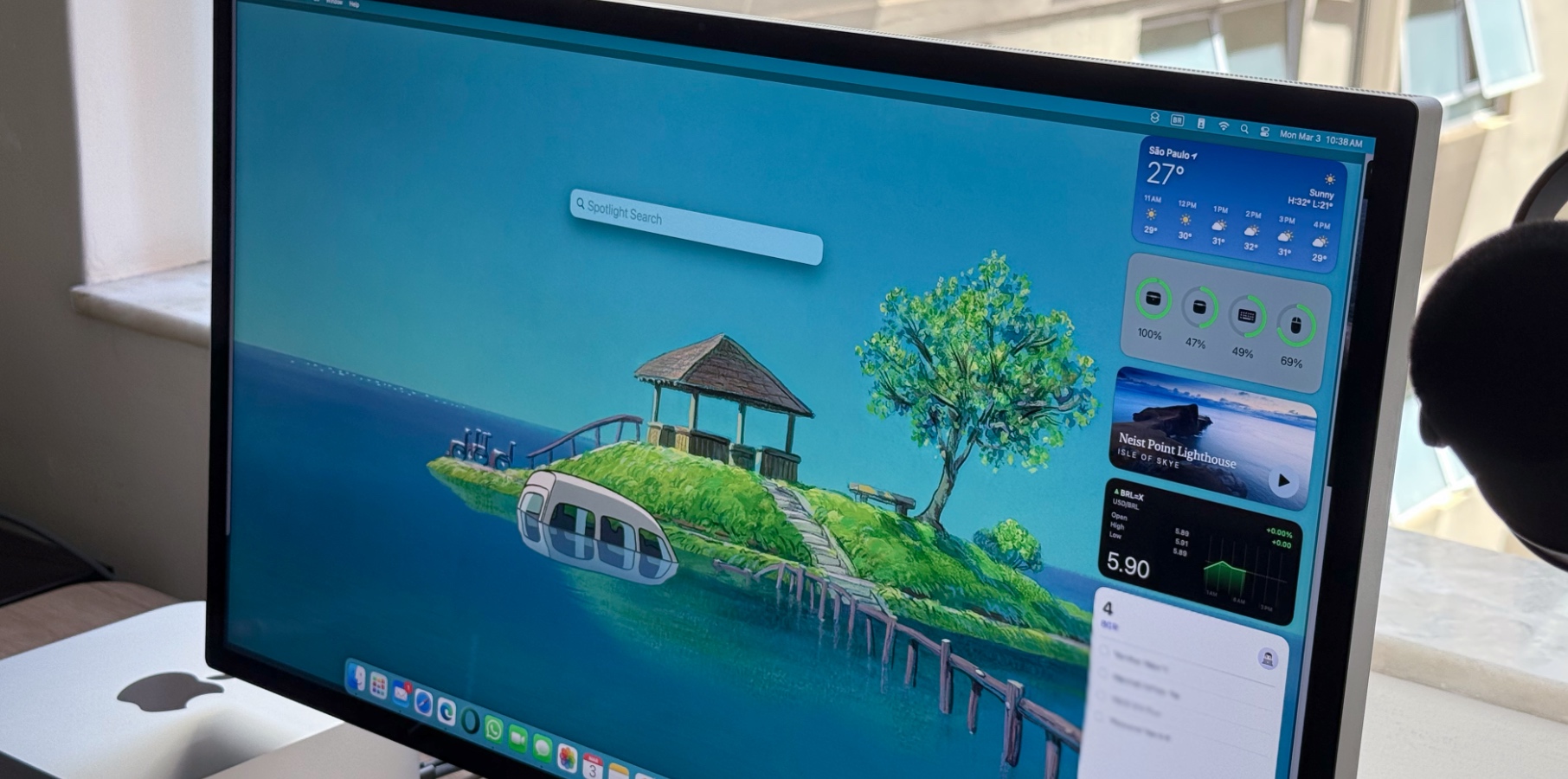
I'm now part of the ever-growing number of macOS Sequoia users dealing with Spotlight search functionality that is completely broken. My issue started around macOS Sequoia 15.2. There isn't a known reason, but it simply became unusable from one update to the other.
It seems like this is not an issue only related to macOS, after all, since iPhone Spotlight search is also terrible. Search stinks even under the Settings app (which is absurd). It impresses me how much Apple updates can break things that used to work fine.
In a Reddit thread posted four months ago, a Redditor wrote that after upgrading to macOS 15.1, they started noticing that Spotlight "almost never shows apps in its search results. (...) Also, it's as if Spotlight search is barely scraping the surface of the documents saved in my user folder."
Their comment is followed by dozens of other people having the same issue. Then, if you go back a year, you'll see a similar thread for macOS Sonoma. This trend repeats from update to update, and it seems Apple is only making more victims with every new release.
Is macOS Sequoia's Spotlight search fixable?
Image source: José Adorno for BGR
Maybe? I hate going through macOS Settings, and I only want my M2 Max Mac Studio to work as it always used to. There might be a few solutions for that, including one I'll possibly use. I'll leave the other one up to you to decide.
A possible fix for macOS Sequoia's Spotlight search issue is to uncheck every search item category in Spotlight settings, close Settings, and recheck them a few hours later. To do that, follow the steps:
Open the Settings app
Choose Spotlight
Uncheck everything
Wait an hour
Recheck all the boxes
If that doesn't work, a technologist posted how to fix Spotlight issues in macOS Sequoia a few months ago. If you have a huge amount of saved data, you might need to remove Spotlight index directories or turn off System Integrity Protection entirely. Edward Tsang is well more qualified to help you with that here.
Wrap up
While these solutions might fix macOS Sequoia's terrible Spotlight search, it just amazes me how a light-on-features update breaks stuff that used to work. It's like the macOS Big Sur update, which ultimately broke the Notification Center for almost a year.
Have you also experienced issues with macOS Spotlight? How have you managed to fix it? Send me a message at jose@bgr.com so we can keep spreading the word.
Don't Miss: macOS Sequoia 15: Features, Apple Intelligence, download, beta, Mac compatibility
The post macOS Sequoia’s Spotlight search is broken, and Apple users are so mad appeared first on BGR.
Today's Top Deals
Today’s deals: $149 AirPods 4 with ANC, 20% off Crest 3D White toothpaste, $18 Roku Express, more
Today’s deals: $172 unlocked iPhone SE, $20 Amazon credit, Waterdrop RO water filters, $24 WiFi extender, more
Today’s deals: 15% off video games, 20% off Magic Bullet, 30% off TurboTax, 40% off electric toothbrushes, more
Today’s deals: Apple accessory sale, $90 Ninja Air Fryer Pro, $188 ergonomic office chair, more








 New Posts (Home)
 ChatBox
 Popular Posts
  Game Zone
 Top PodCasts