YubNub Social YubNub Social
    #music #tew #tuba #euphonium #tew2026 #militarymusic #armymusic #armyband #band #freedom #concertband #tusab #orchestra #armyorchestra #warmup
    Advanced Search
  • Login
  • Register

  • Night mode
  • © 2026 YubNub Social
    About • Directory • Contact Us • Developers • Privacy Policy • Terms of Use • shareasale • FB Webview Detected • Android • Apple iOS • Get Our App

    Select Language

  • English
Night mode toggle
Featured Content
Community
New Posts (Home) ChatBox Popular Posts Reels Game Zone Top PodCasts
Explore
Explore
© 2026 YubNub Social
  • English
About • Directory • Contact Us • Developers • Privacy Policy • Terms of Use • shareasale • FB Webview Detected • Android • Apple iOS • Get Our App
Advertisement
Stop Seeing These Ads

Discover posts

Posts

Users

Pages

Blog

Market

Events

Games

Forum

Twitchy Feed
Twitchy Feed
1 y

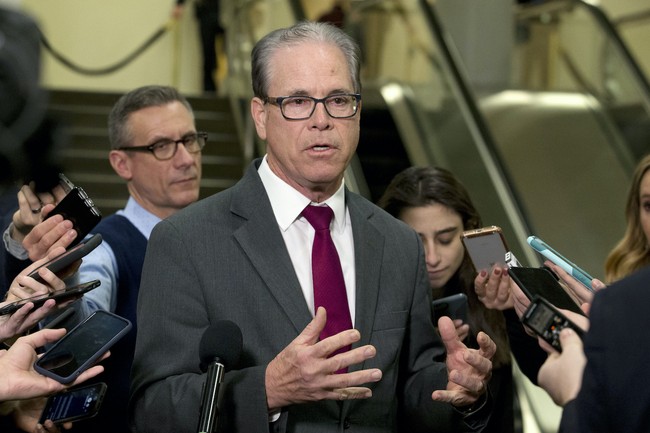
'What Are You Scared of, Nancy?' Virtue Signaling CongressMAN Scolds Nancy Mace, Gets RATIOED Into Orbit
Favicon 
twitchy.com

'What Are You Scared of, Nancy?' Virtue Signaling CongressMAN Scolds Nancy Mace, Gets RATIOED Into Orbit

'What Are You Scared of, Nancy?' Virtue Signaling CongressMAN Scolds Nancy Mace, Gets RATIOED Into Orbit
Like
Comment
Share
Twitchy Feed
Twitchy Feed
1 y

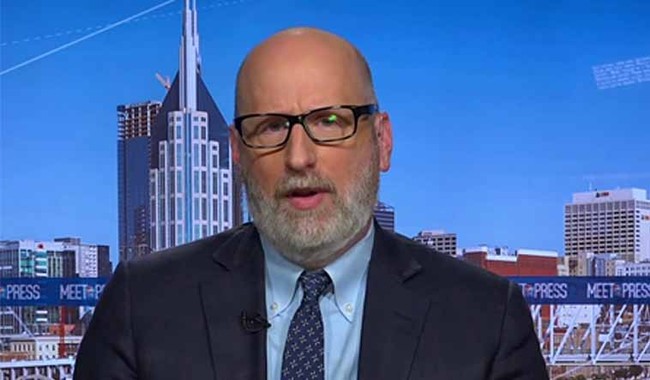
Third Verse, Same as the 1st! Julie Kelly NUKES David French for His 'Recycled' Anti-Trump Column and LOL
Favicon 
twitchy.com

Third Verse, Same as the 1st! Julie Kelly NUKES David French for His 'Recycled' Anti-Trump Column and LOL

Third Verse, Same as the 1st! Julie Kelly NUKES David French for His 'Recycled' Anti-Trump Column and LOL
Like
Comment
Share
Twitchy Feed
Twitchy Feed
1 y

CRINGE Overdrive: Woke Jaguar Car Ad Campaign Crashes and Burns Right Off the Lot
Favicon 
twitchy.com

CRINGE Overdrive: Woke Jaguar Car Ad Campaign Crashes and Burns Right Off the Lot

CRINGE Overdrive: Woke Jaguar Car Ad Campaign Crashes and Burns Right Off the Lot
Like
Comment
Share
RedState Feed
RedState Feed
1 y

Jeremy Clarkson Takes On the BBC On Behalf of UK Farmers, Shows Everyone How It's Done
Favicon 
redstate.com

Jeremy Clarkson Takes On the BBC On Behalf of UK Farmers, Shows Everyone How It's Done

Jeremy Clarkson Takes On the BBC On Behalf of UK Farmers, Shows Everyone How It's Done
Like
Comment
Share
RedState Feed
RedState Feed
1 y

A Radical Judge Just Got a Lifetime Appointment Because Republicans Didn't Show Up to Stop Him
Favicon 
redstate.com

A Radical Judge Just Got a Lifetime Appointment Because Republicans Didn't Show Up to Stop Him

A Radical Judge Just Got a Lifetime Appointment Because Republicans Didn't Show Up to Stop Him
Like
Comment
Share
RedState Feed
RedState Feed
1 y

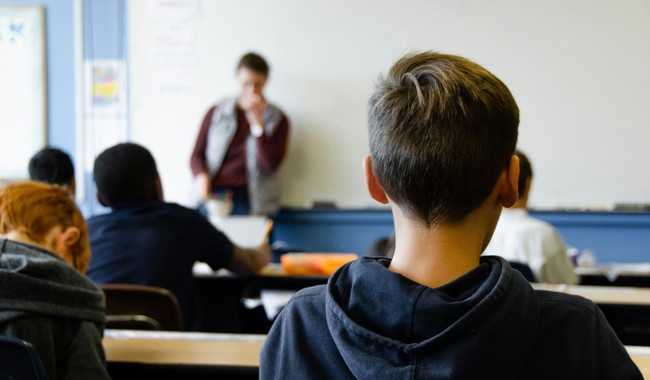
BUSTED: 46-Year-Old NH Teacher Arrested for Attempted Sex Trafficking of a Minor
Favicon 
redstate.com

BUSTED: 46-Year-Old NH Teacher Arrested for Attempted Sex Trafficking of a Minor

BUSTED: 46-Year-Old NH Teacher Arrested for Attempted Sex Trafficking of a Minor
Like
Comment
Share
RedState Feed
RedState Feed
1 y

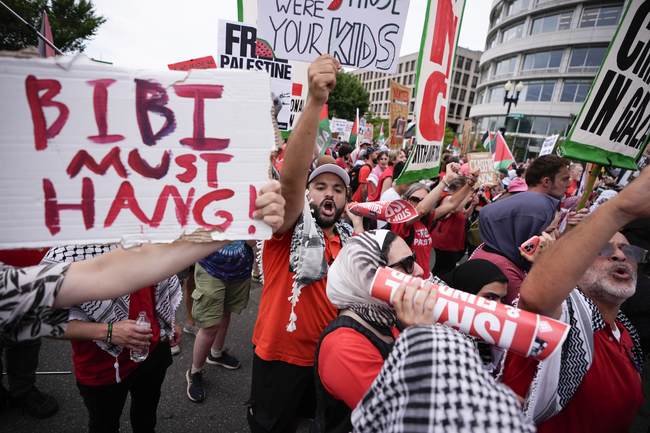
Pro-Palestine Protesters Make Insurrection-y Incursion Into Senate Office Building
Favicon 
redstate.com

Pro-Palestine Protesters Make Insurrection-y Incursion Into Senate Office Building

Pro-Palestine Protesters Make Insurrection-y Incursion Into Senate Office Building
Like
Comment
Share
Trending Tech
Trending Tech
1 y

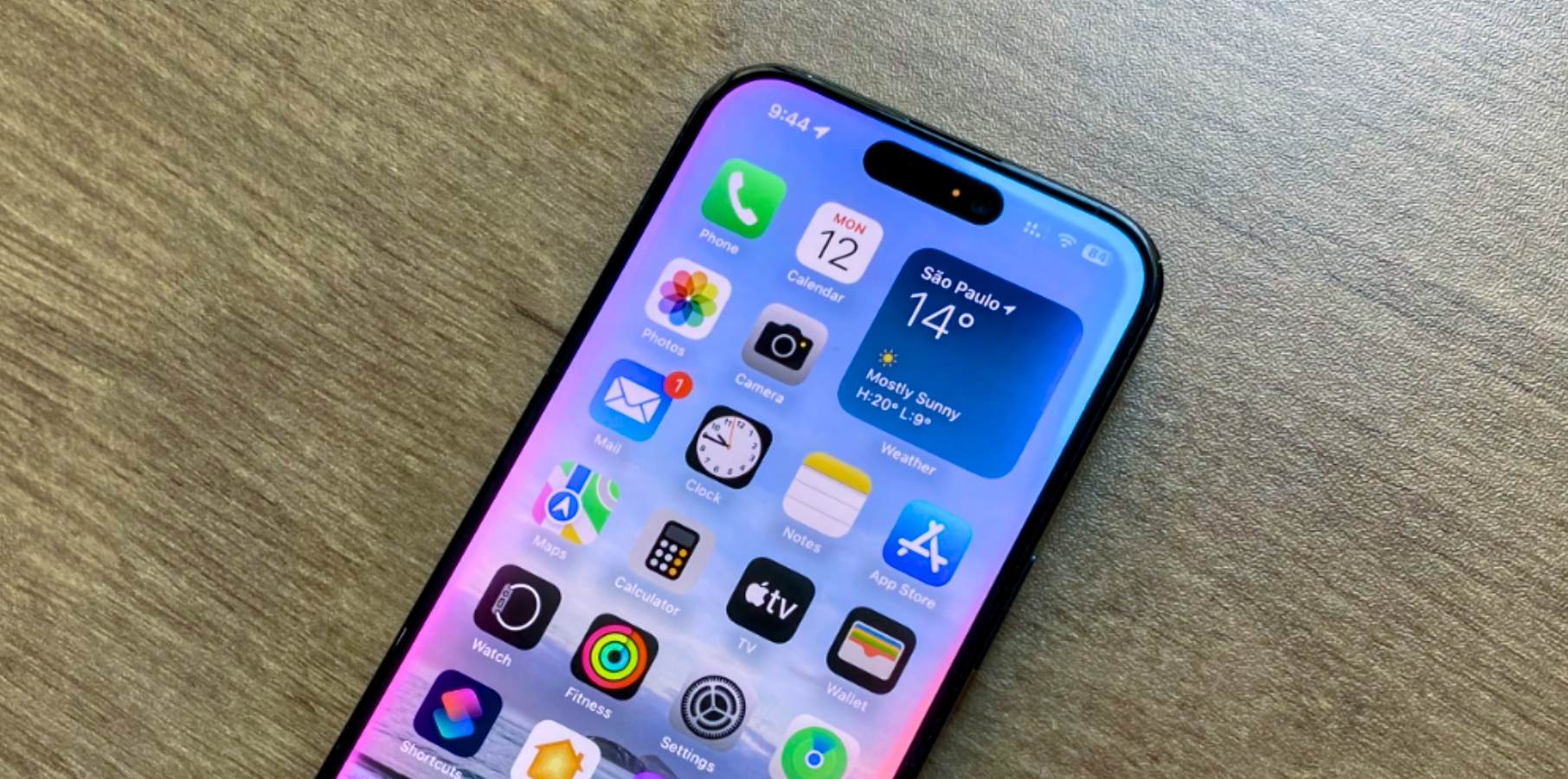
Apple releases iOS 18.1.1 ahead of iOS 18.2 launch
Favicon 
bgr.com

Apple releases iOS 18.1.1 ahead of iOS 18.2 launch

Apple has just released iOS 18.1.1 ahead of the launch of iOS 18.2. At this moment, it's unclear what's new with this software update besides "bug fixes and improvements." BGR will let you know once Apple makes it clearer. iOS 18.1.1 was released a few weeks after iOS 18.1. This software marks the beginning of Apple Intelligence features, as it unlocked new AI capabilities for iPhone 15 Pro and iPhone 16 users. While iOS 18.1.1 is available to all iPhone users, we're in the middle of the iOS 18.2 beta cycle. This upcoming software update will bring more Apple Intelligence features, including: Image Playground: Users can create playful images in seconds, choosing from Animation, Illustration, or Sketch. This app is built right into apps like Messages and is also available in a dedicated app; having trouble with the waitlist? Check this; Genmoji: Create custom emojis by combining two figures; users can type a prompt like “monkey with pink hat” to make an entirely new emoji; here’s how to use it; Image Wand: “Rough sketches can be turned into delightful images, and users can even select empty space to create an image using context from the surrounding area” in the Notes app; ChatGPT integration: When you feel Apple Intelligence isn’t enough, you can allow ChatGPT to access Writing Tools and other features for a better response; if you are tired of Apple Intelligence asking to confirm every prompt, do this; Create Images expansion: Another Apple Intelligence feature available with iOS 18.2 beta is the ability to create an image when you highlight text in the Notes app. In addition to these Apple Intelligence functions, which are included with iOS 18.2, Apple continues to add other features during the beta cycle. All-new Mail app: Mail is introducing new ways for users to manage their inboxes. On-device categorization organizes and sorts incoming emails into Primary for personal and time-sensitive emails, Transactions for confirmations and receipts, Updates for news and social notifications, and Promotions for marketing emails and coupons. Mail also features a new digest view that pulls together all of the relevant emails from a business, allowing users to quickly scan for what’s important at the moment. Change default apps: iOS 18.2 beta lets iPhone users change the Messages and Phone default apps. Volume Limit: The Settings app now has a new Volume Limit control. This lets you limit how loud your iPhone speakers can play media. BGR will let you know if we find anything new with iOS 18.1.1. Alongside this software update, Apple has also released macOS Sequoia 15.1.1 and iPadOS 18.1.1. Don't Miss: iOS 18: Features, release date, beta, download, Apple Intelligence The post Apple releases iOS 18.1.1 ahead of iOS 18.2 launch appeared first on BGR. Today's Top Deals Best Fire TV Stick deals for November 2024 Today’s deals: $30 in Amazon credit, $149 Roomba, $100 Fitbit, $180 Ninja CREAMi Deluxe, more Amazon gift card deals, offers & coupons 2024: Get $415+ free Today’s deals: $270 Nintendo Switch OLED, $20 waterproof Bluetooth speaker, 20% off Peloton Bike+, more
Like
Comment
Share
Trending Tech
Trending Tech
1 y

Apple is about to delete your iCloud backups if iOS on your iPhone is too old
Favicon 
bgr.com

Apple is about to delete your iCloud backups if iOS on your iPhone is too old

Apple released iOS 18 this year, but if any of your Apple devices are somehow still running iOS 8 or earlier, it's time to update. This week, Apple published a support document online revealing that any iCloud device backups will require iOS 9 or later starting December 18, 2024. After that date, your backup data will be deleted if you haven't updated. The company goes on to explain that if any device is still running iOS 5 to iOS 8 after December 18, you won't be able to create new backups or access existing backups. You can still manually back up your device to a Mac or PC with iTunes or Finder. As long as you have an iPhone 4S or later, iPad 2 or later, or iPod touch (5th generation) or later, you can install iOS 9 to continue using iCloud Backup. If you want to update, head to Settings > General > Software Update or follow the steps below: Connect your iPhone to your computer. On your computer, open Finder, Apple Devices, or iTunes, then click the Device button. Click Summary. Click Check for Update. To install an available update, click Update or Download and Update. You can now continue to back up your data in the cloud for the foreseeable future. On the other hand, your device might be so old that it can't update to iOS 9, or maybe you don't want to update. If that's the case, here's how you can continue to back up your device manually even after Apple stops supporting iCloud Backup on your phone: Back up your device with Finder in macOS Catalina or later With a USB cable, connect your iPhone, iPad, or iPod touch to your Mac with macOS Catalina or later. On your Mac, click the Finder icon in the Dock to open a window in the Finder. Select your device from the list in the sidebar of the window. Don't see your device? At the top of the Finder window, click General. Select “Back up all of the data on your iPhone to this Mac.” To encrypt your backup data and protect it with a password, select “Encrypt local backup.” Click Back Up Now. Back up your device with Apple Devices or iTunes in Windows or older macOS versions With a USB cable, connect your iPhone, iPad, or iPod touch to your computer. On your computer, open Apple Devices or iTunes, then click the Device button. Click Summary. Click Back Up Now (below Backups). To encrypt your backups, select “Encrypt [device] backup," type a password, then click Set Password. In related news, Apple is also ending support for syncing or accessing bookmarks with iCloud Bookmarks on iOS 10 or earlier. In another support document, Apple explained that devices will require iOS 11 or later, iPadOS 11 or later, or macOS Sierra 10.12.6 or later to sync bookmarks or access bookmarks on iCloud.com starting on December 18, 2024. Don't Miss: iPhone 17 Air will be the thinnest iPhone ever made, new rumor claims The post Apple is about to delete your iCloud backups if iOS on your iPhone is too old appeared first on BGR. Today's Top Deals Today’s deals: $30 in Amazon credit, $149 Roomba, $100 Fitbit, $180 Ninja CREAMi Deluxe, more Today’s deals: $270 Nintendo Switch OLED, $20 waterproof Bluetooth speaker, 20% off Peloton Bike+, more Awesome new T-Mobile promo gets you 4 new iPhone 16 and 4 lines for $25/line Today’s deals: $120 Segway Ninebot eKickScooter C2 Lite, $20 Android smartwatch, $22 Fire TV Stick 4K, more

Like
Comment
Share
History Traveler
History Traveler
1 y

Arslan Kaya’s Lost Inscription Links to Materan, the Great Mother Goddess
Favicon 
www.ancient-origins.net

Arslan Kaya’s Lost Inscription Links to Materan, the Great Mother Goddess

The legendary Arslan Kaya monument (i.e., lion rock), features a heavily damaged inscription that has been difficult to decipher for ages, and is 2,600 years old. Now, a professor and archaeologist from the USA claims to have deciphered it, saying it spells out ‘Materan,’ referring to a Mother goddess of the Phyrgians, whose worship flourished in Turkey between 1200 and 600 BC. Apart from weathering and erosion, the monument is also heavily damaged from looters and raiders. Behistun Inscription, The Rosetta Stone of Persia Anatolian History: Emerging Empires and Lands Changing Hands Let There Be Light! Dated to the first half of the 6th century BC, the inscription could only be rescued through capturing it in very precise light during specific times of the day, which enhanced its legibility. The research, carried out by Professor Mark Munn, a specialist in ancient Greek history and archaeology at Pennsylvania State University, has been published in the journal Kadmos, a platform for pre-Greek and Greek epigraphy. Read moreSection: ArtifactsAncient WritingsNewsHistory & ArchaeologyAncient PlacesAsiaRead Later 
Like
Comment
Share
Showing 64523 out of 115091
  • 64519
  • 64520
  • 64521
  • 64522
  • 64523
  • 64524
  • 64525
  • 64526
  • 64527
  • 64528
  • 64529
  • 64530
  • 64531
  • 64532
  • 64533
  • 64534
  • 64535
  • 64536
  • 64537
  • 64538
Advertisement
Stop Seeing These Ads

Edit Offer

Add tier


Select an image
Delete your tier
Are you sure you want to delete this tier?

Reviews

In order to sell your content and posts, start by creating a few packages. Monetization

Pay By Wallet

Payment Alert

You are about to purchase the items, do you want to proceed?

Request a Refund